GTK · Bass
GTK – Bass Player's Toolkit
Tools for your bass journey.
The newest member of the family, built for the low end: chords, scales, arpeggios and fretboard knowledge for bass players. Coming soon to the App Store.
Coming soon to theApp Store See all tools
Highlights
Made for bass players
Chord Master
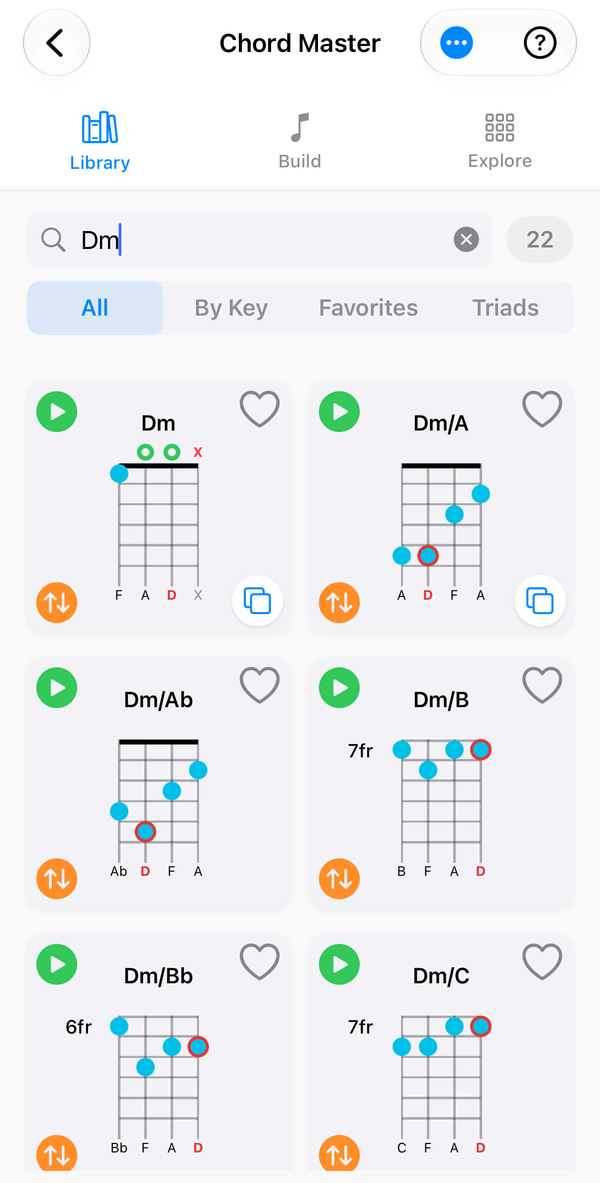
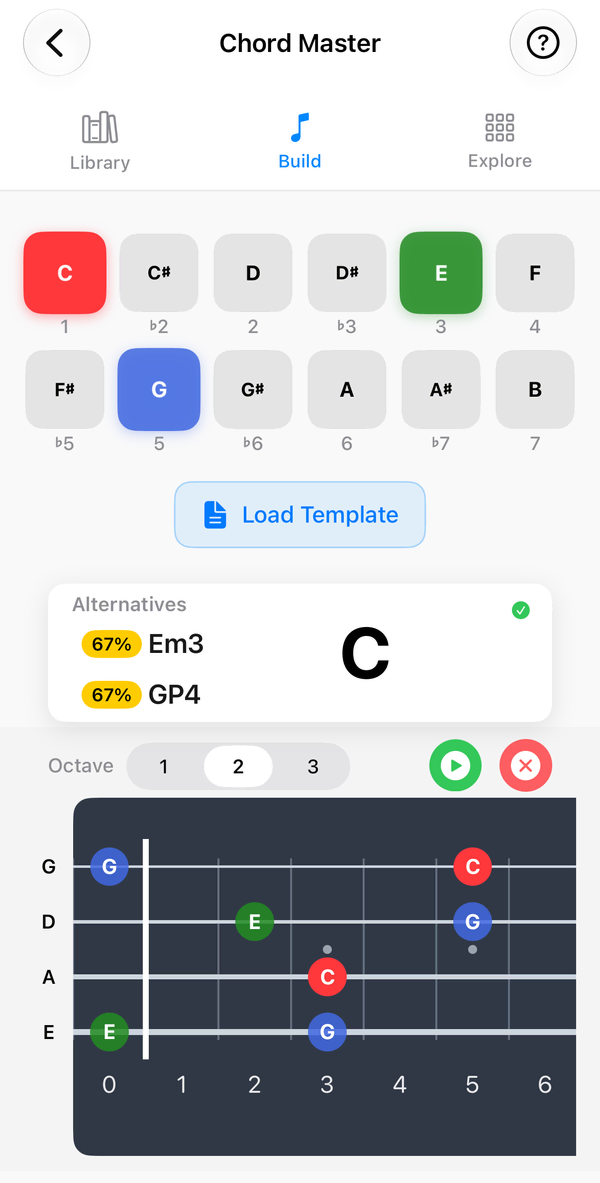
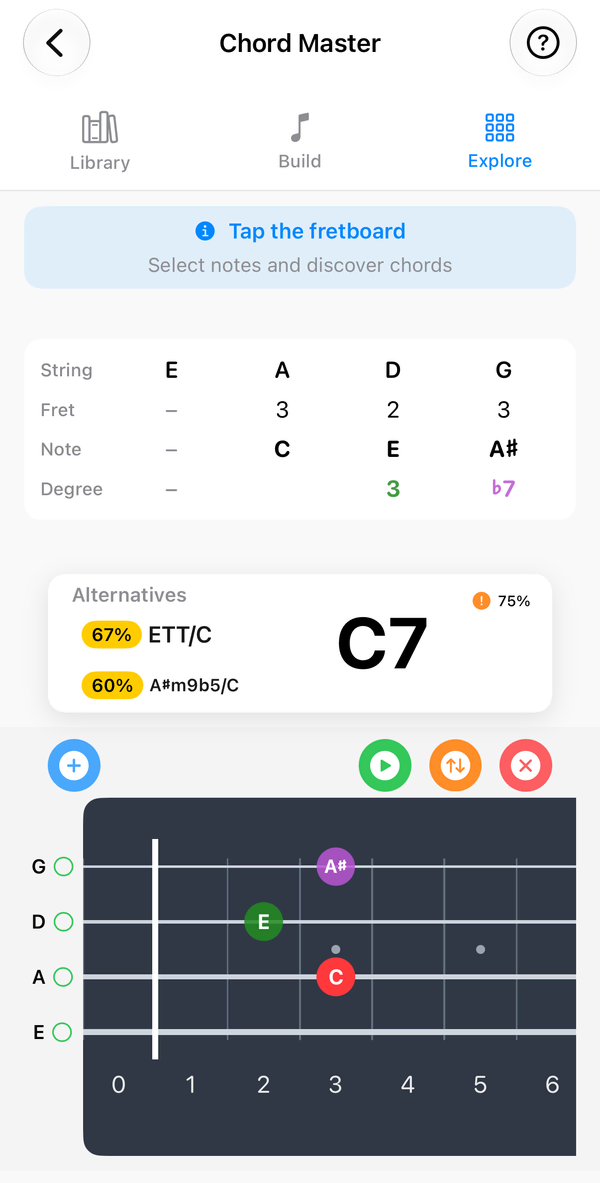
Browse chords by key, build them note by note, or place your fingers on the neck to name a chord – then hear it whole or arpeggiated.
Fretboard fluency
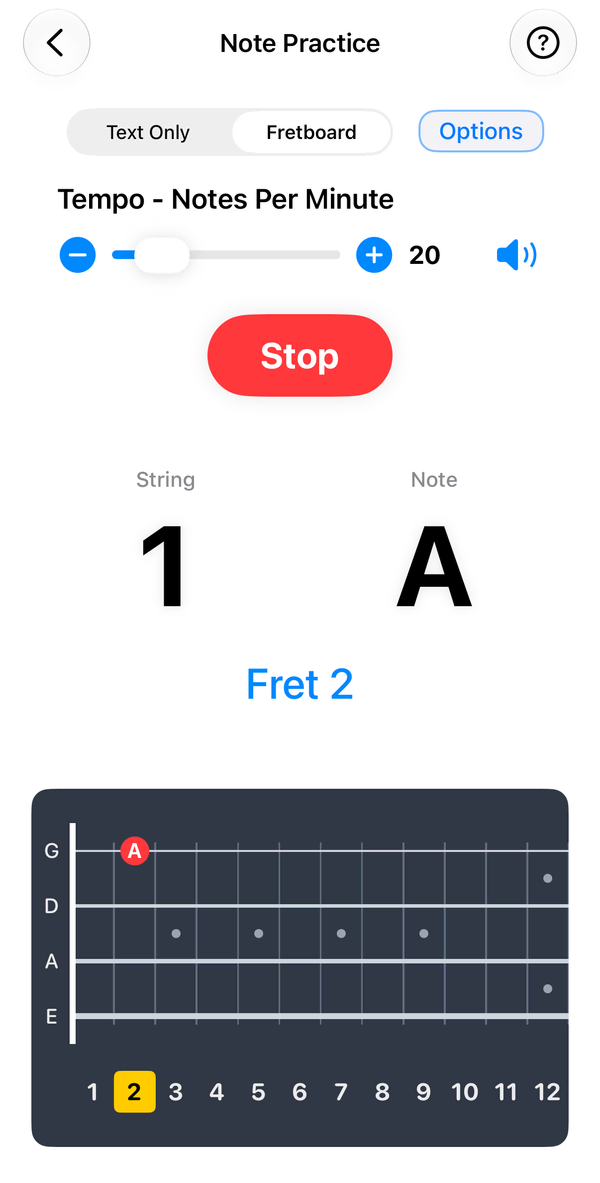
Learn every note on the neck with Note Practice drills.
Scales & positions
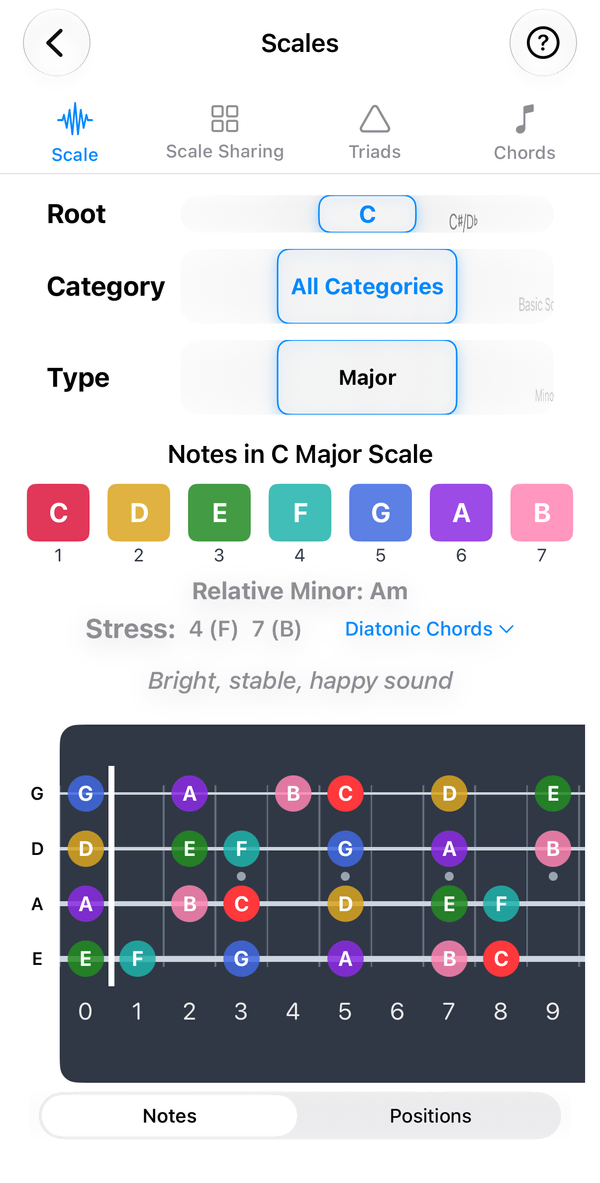
See scales and positions mapped to the bass fretboard.
Tuner & metronome
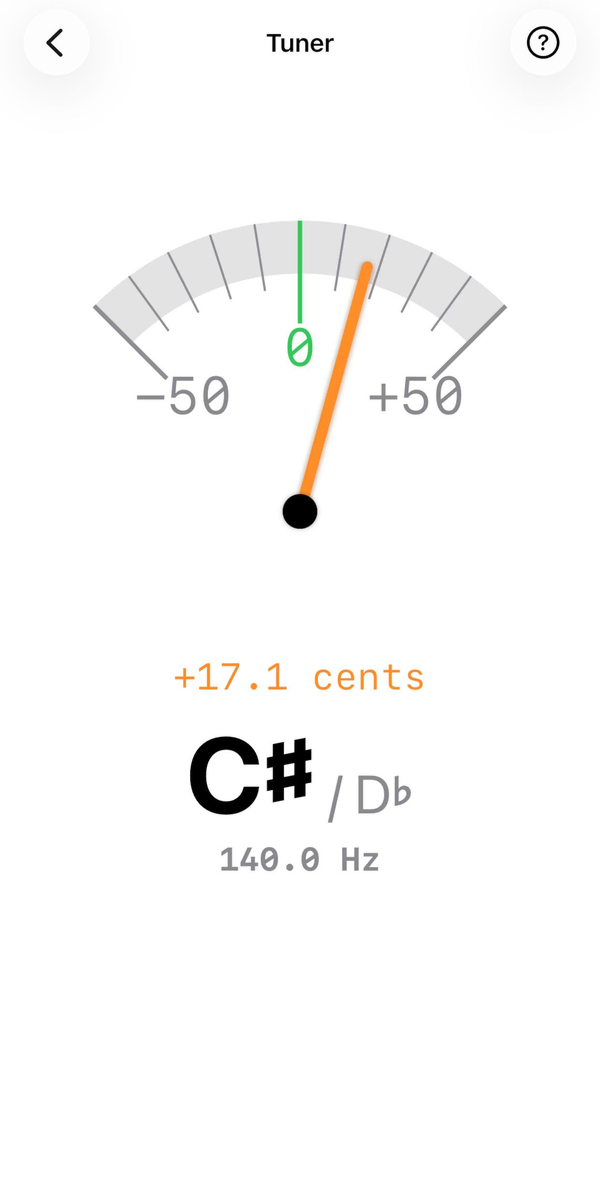
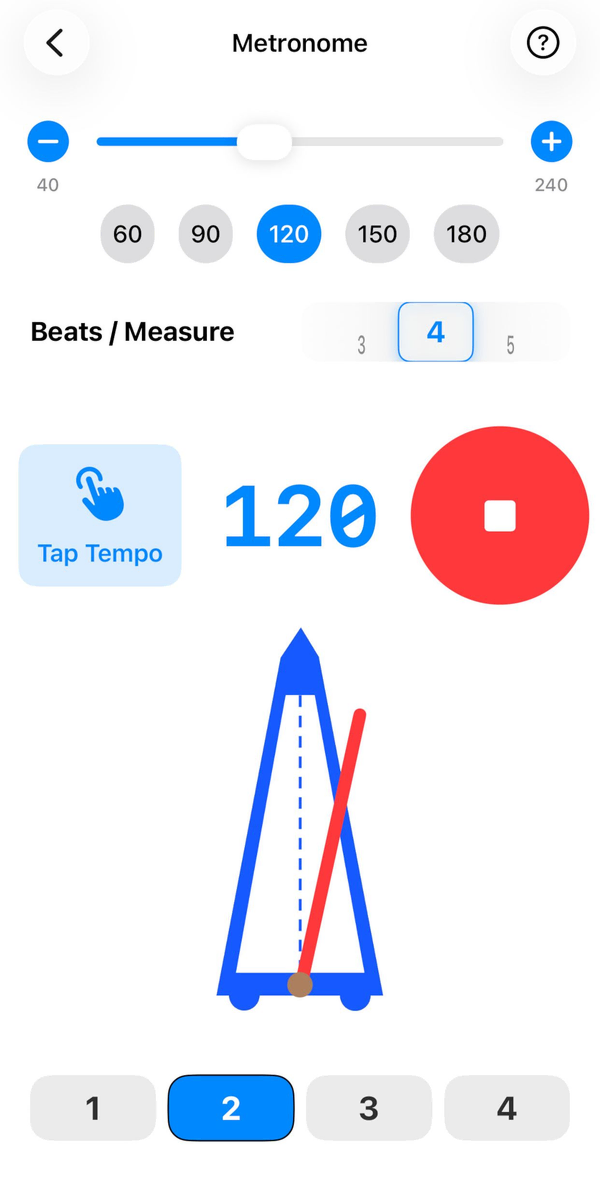
The essentials, built in and working offline.
Inside the app
See it in action
Everything included
Planned tools
Final feature list will be confirmed at launch.
Chords
- Chord Master Find the root, fifth and chord tones under your fingers, and hear any chord whole or as an arpeggio to play against.
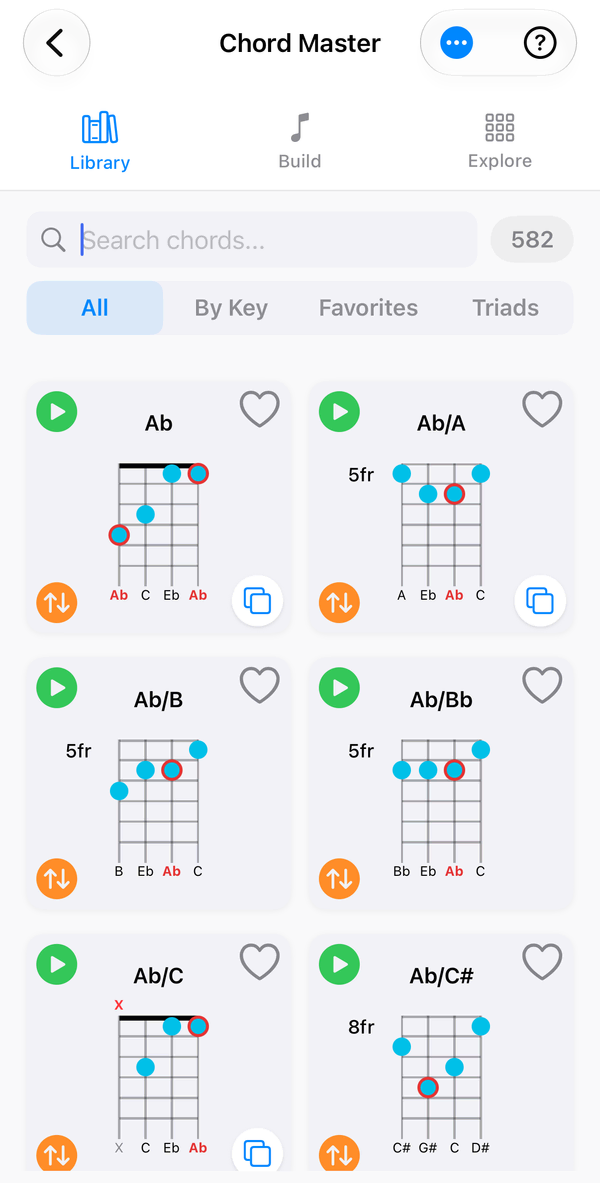
- Chord Library Searchable chord diagrams with strict or fuzzy matching, key filters, diatonic and borrowed chords, and favourites.
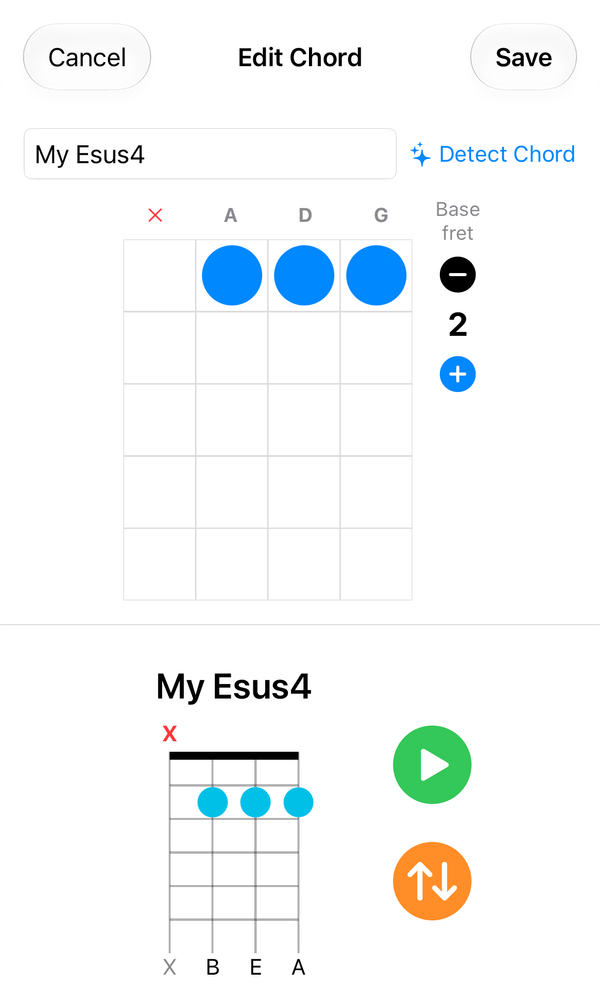
- Custom Chords Build your own chord shapes on the bass neck and save them to your library.
- Chord Build Create your own chord: place fingers, mark strings open or muted, and let GTK detect the name.
- Chord Explore Select notes, or tap string and fret positions, and GTK names the chord.
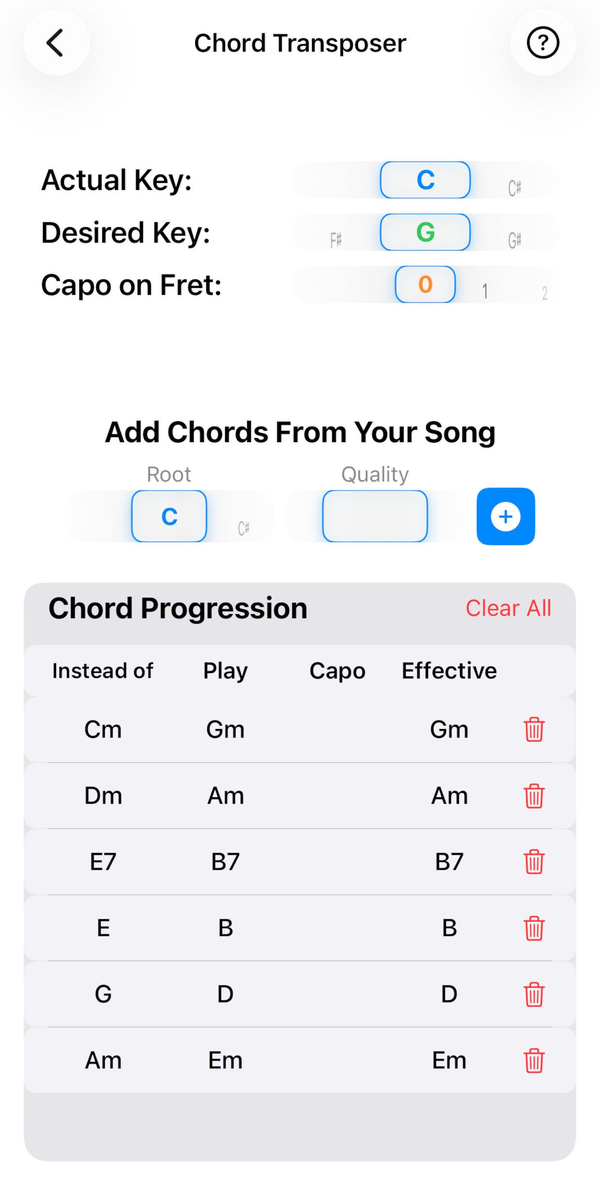
- Chord Transposer Move a song’s chords to any key, with capo positions taken into account.
Theory
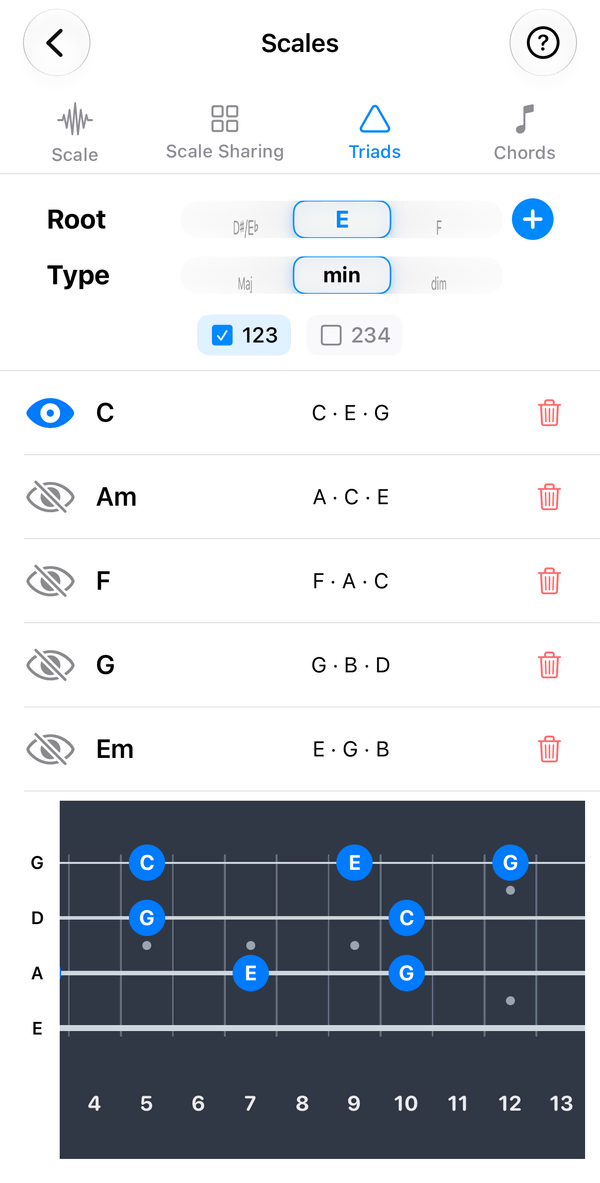
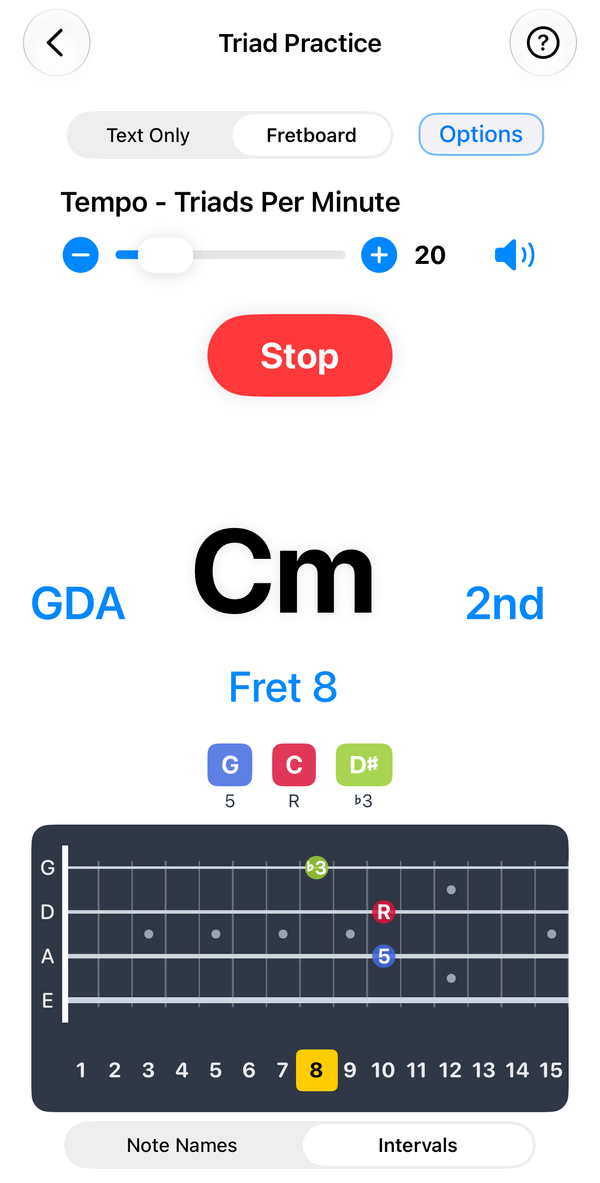
- Scales Scales, modes, pentatonics and world scales on a colour-coded fretboard, with a Positions view that shows shapes rather than note names, plus diatonic chords and Triads and Chords tabs.
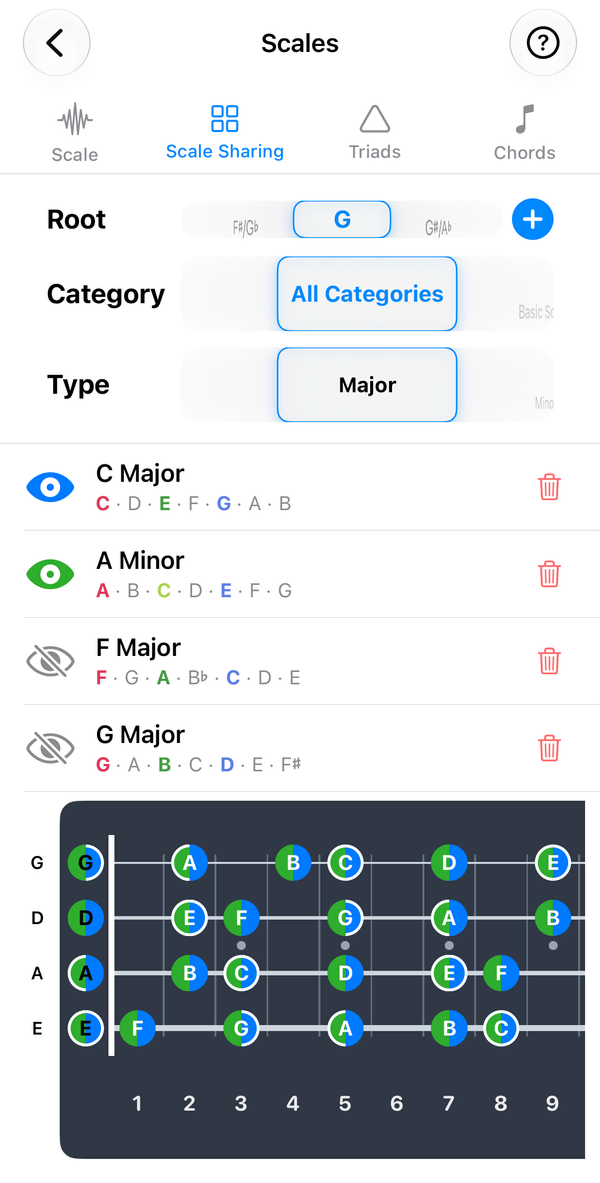
- Scale Sharing Layer up to four scales on one fretboard, with shared notes as pie-slice dots and roots, 3rds and 5ths ringed.
- Triad Sharing Build a progression and see each chord’s triad tones on one fretboard, colour-coded per chord, with shared frets as pie-slice dots.
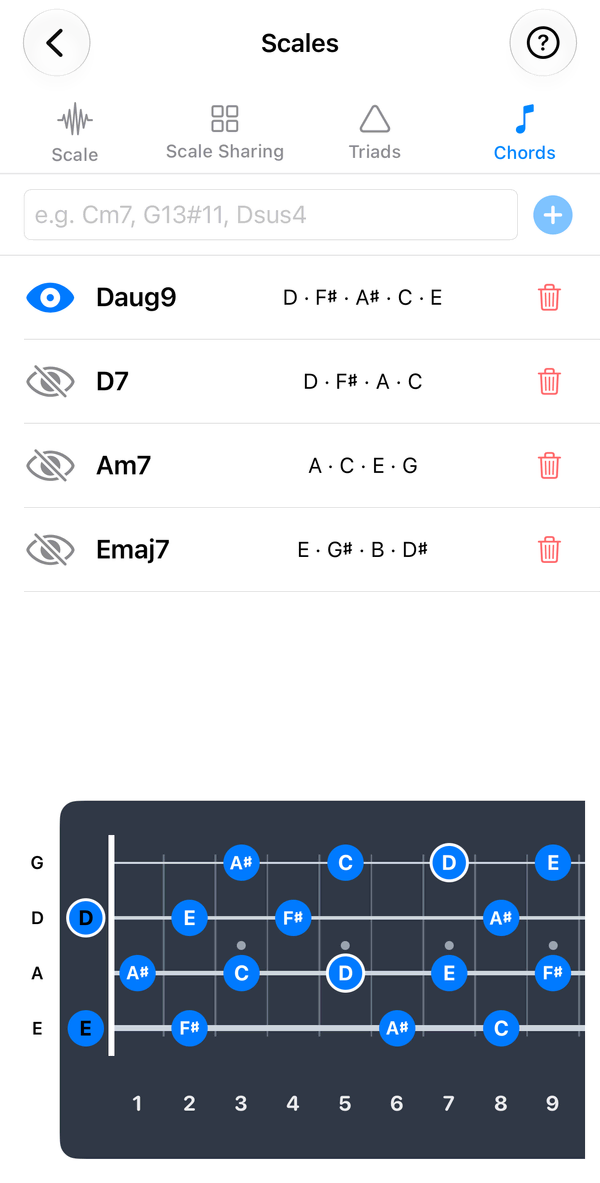
- Chord Sharing Type any chord name to map its notes across the fretboard with the root ringed, and compare it with up to three other chords.
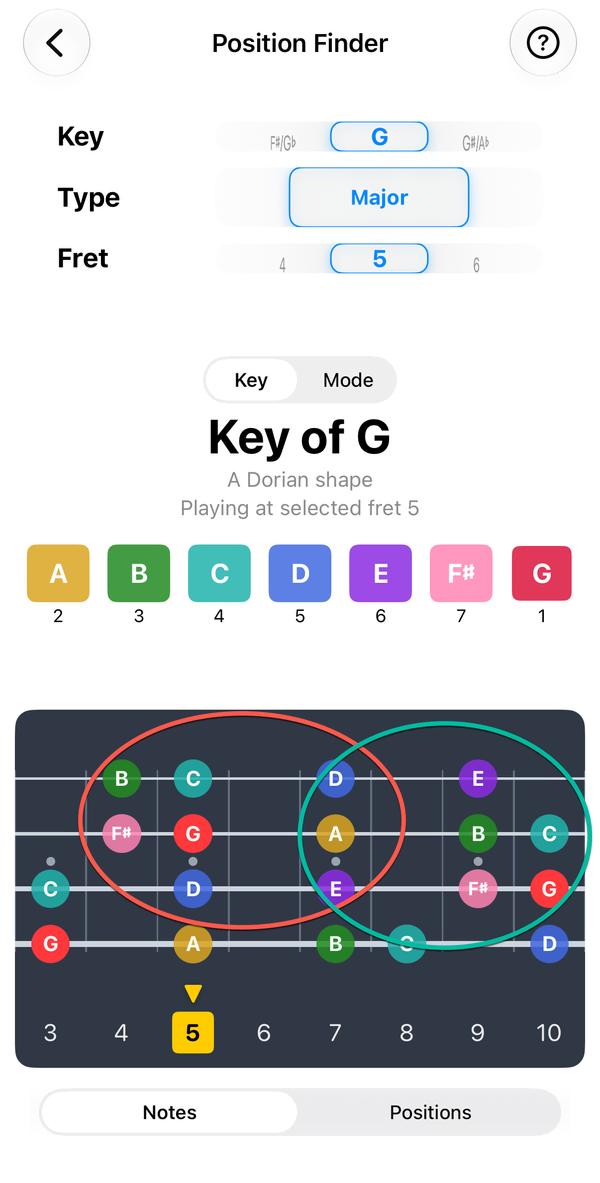
- Position Finder Choose where on the neck you want to play and see a key’s notes right there – so you can stop sliding up and down the fretboard.
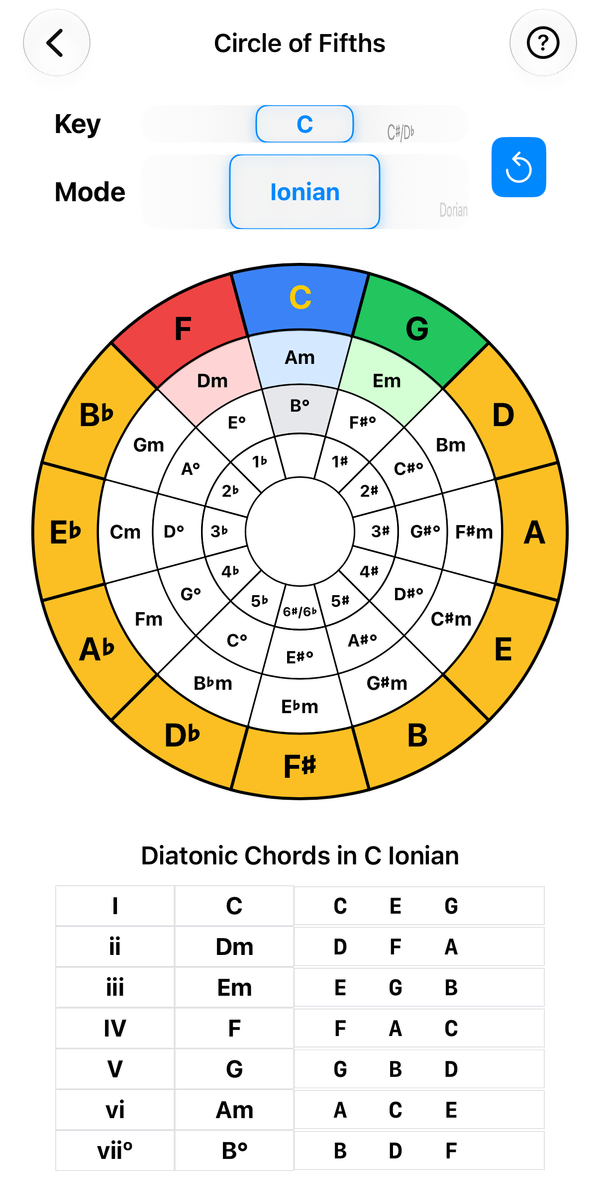
- Circle of Fifths Tap any key to see its modes, diatonic chords, Roman numerals and key signature.
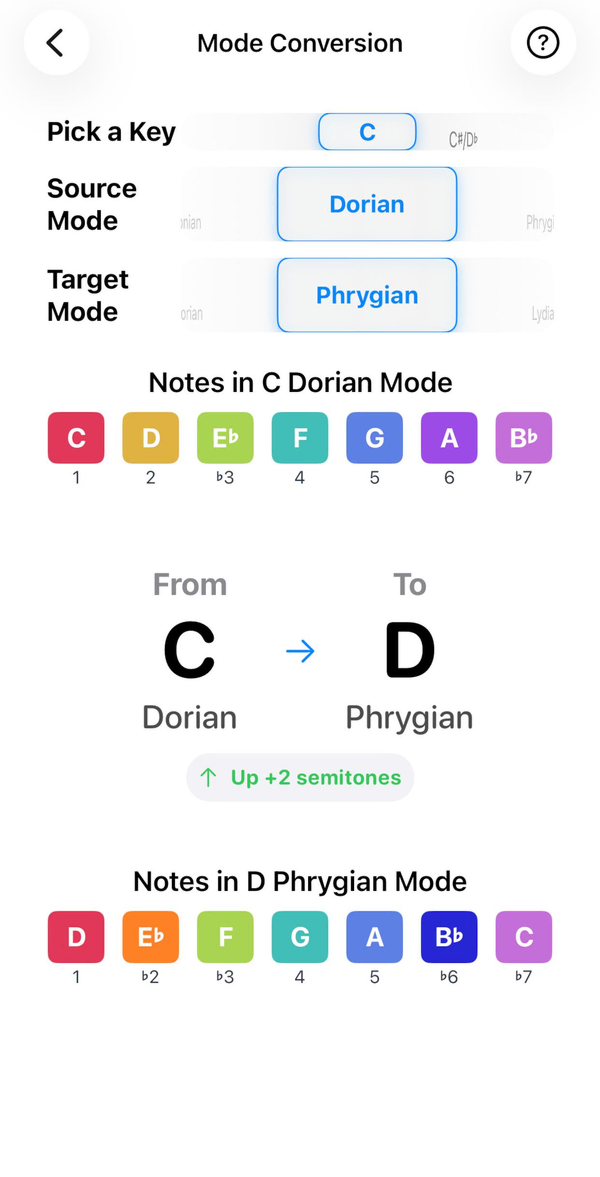
- Mode Converter See how one mode becomes another, note by note and semitone by semitone.
Practice
Tunings & fretboard
Fits your instrument
- Chords
- 582 chords
- Scales
- 80+ scales in 14 categories
- Frets
- 20 · 21 · 22 · 24
- 4-String Standard
E A D G - 4-String Drop D
D A D G - 4-String D Standard
D G C F - 4-String E♭ Standard
E♭ A♭ D♭ G♭ - 4-String Drop C
C G C F - 5-String Standard
B E A D G - 5-String High C
E A D G C - 5-String Drop A
A E A D G - 6-String Standard
B E A D G C
- One-time purchaseNo subscriptions, no in-app purchases, no ads.
- Works offlineEverything runs on your device. No account, no internet needed.
- No data collectedAudio for the tuner is processed on-device and never recorded or sent.
- Family SharingBuy once and share with up to six family members.
Coming soon to theApp Store Questions? Read the FAQ
The family